

Master essential Excel skills for work with this beginner-friendly WSQ-certified spreadsheet training course.
Increase Productivity With Advanced Excel Functions, Data Tools, And WSQ-Certified Training For Professionals.
Master Excel Dashboard Techniques To Visualize Complex Data Simply And Impressively, Certified By WSQ.
Microsoft Basic & Advanced Excel Course in Singapore
Microsoft Excel training in Singapore covers a range of skill levels, from basic spreadsheet functions to advanced features. For those looking for SkillsFuture Approved Excel courses, available programmes may cover practical areas such as formulas, data analysis, reporting, dashboard creation, and spreadsheet automation, depending on the course content. Whether you are exploring Basic & Advanced Excel Course Singapore options or looking for suitable Excel classes, these skills can be applied to a variety of workplace tasks and roles that use Excel.
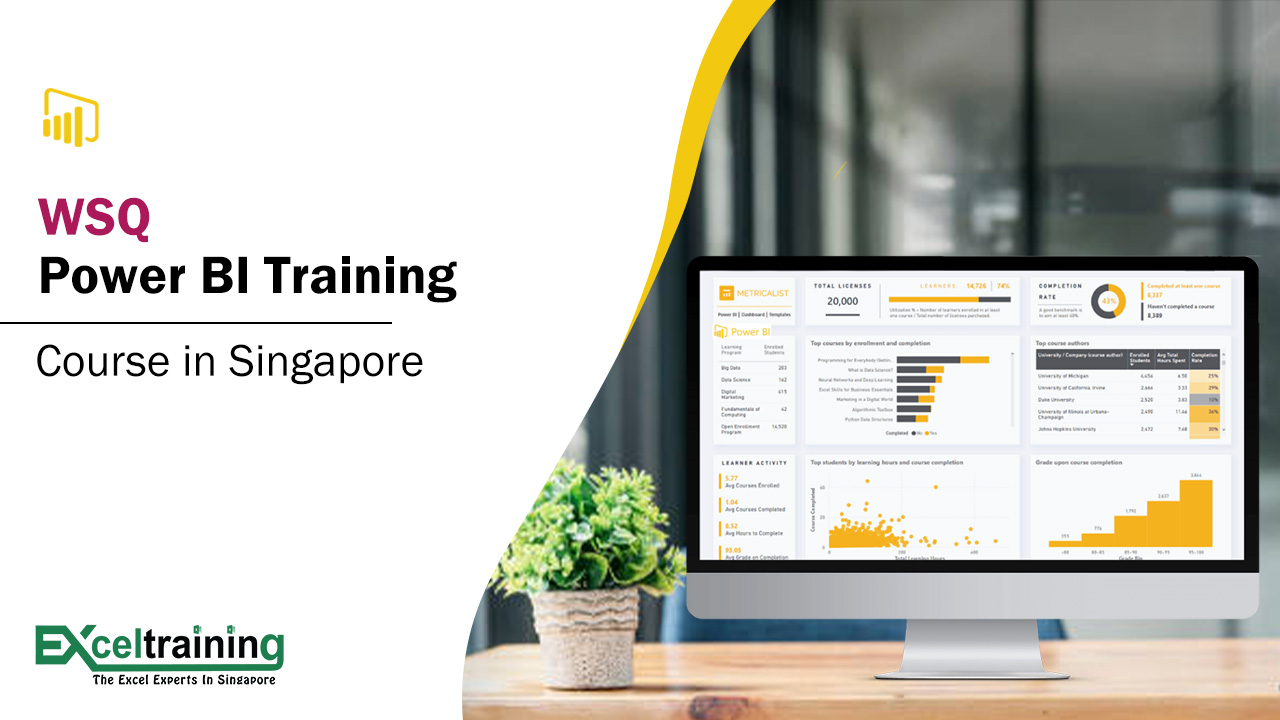
Powerful Data Insights By Learning Power BI Tools And Techniques In This WSQ-Accredited Program.
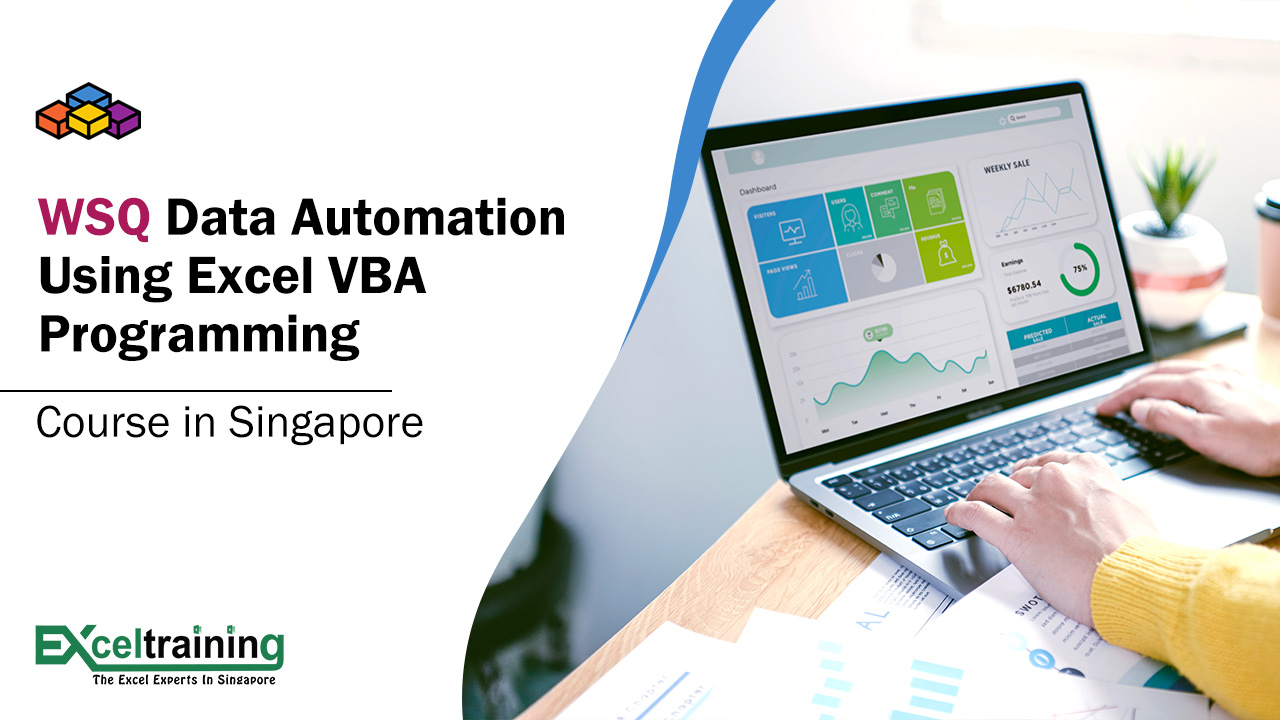
Automate Repetitive Excel Tasks With VBA Programming Skills In A Certified WSQ Practical Training Course.
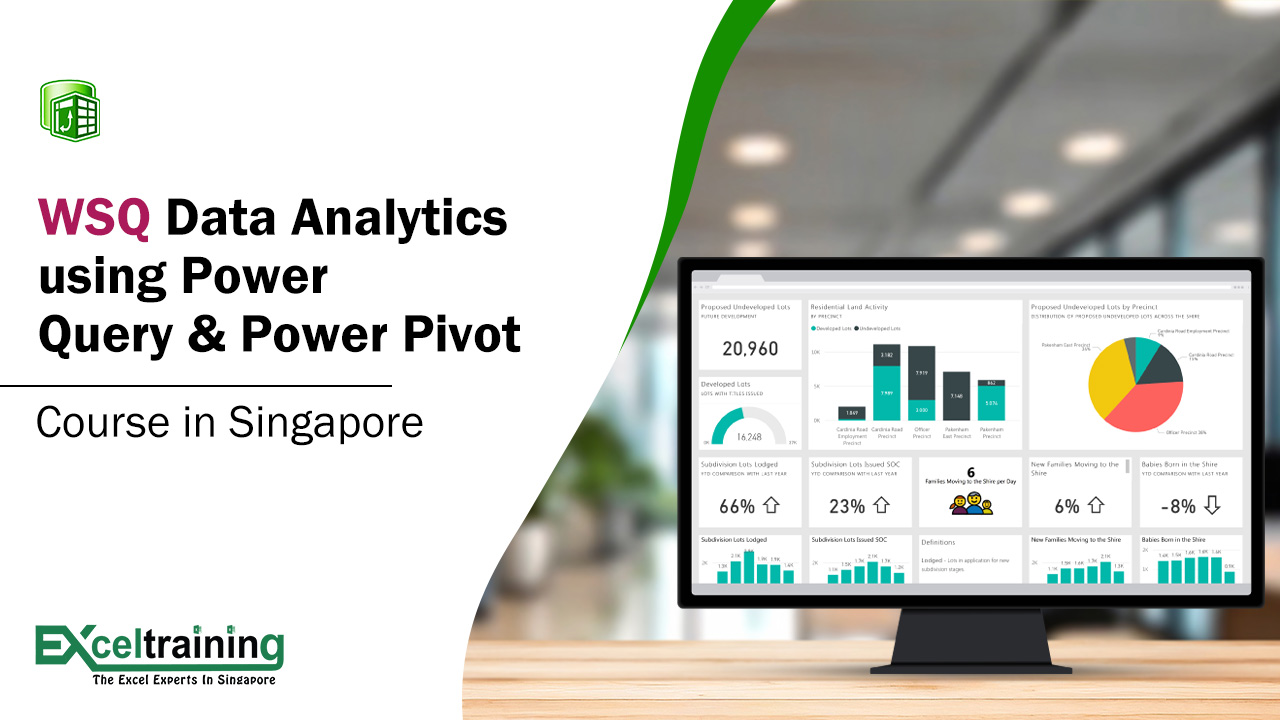
Transform Data Using Power Query And Power Pivot In This WSQ-Endorsed Excel Analytics Course.
Boost Your Excel Skills With In-Depth Training On Formulas, Charts, And Data Tools For Work.
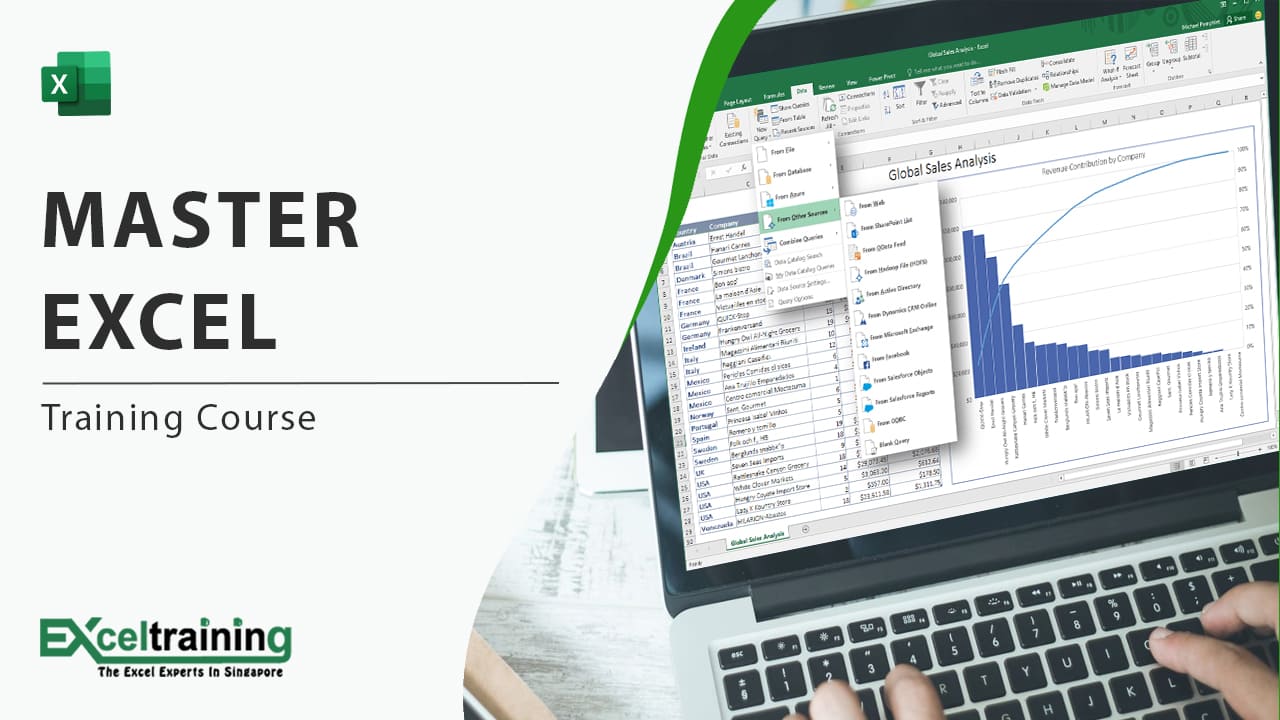
Become An Excel Expert With All-In-One Training Covering Basics To Advanced Skills For Professionals.
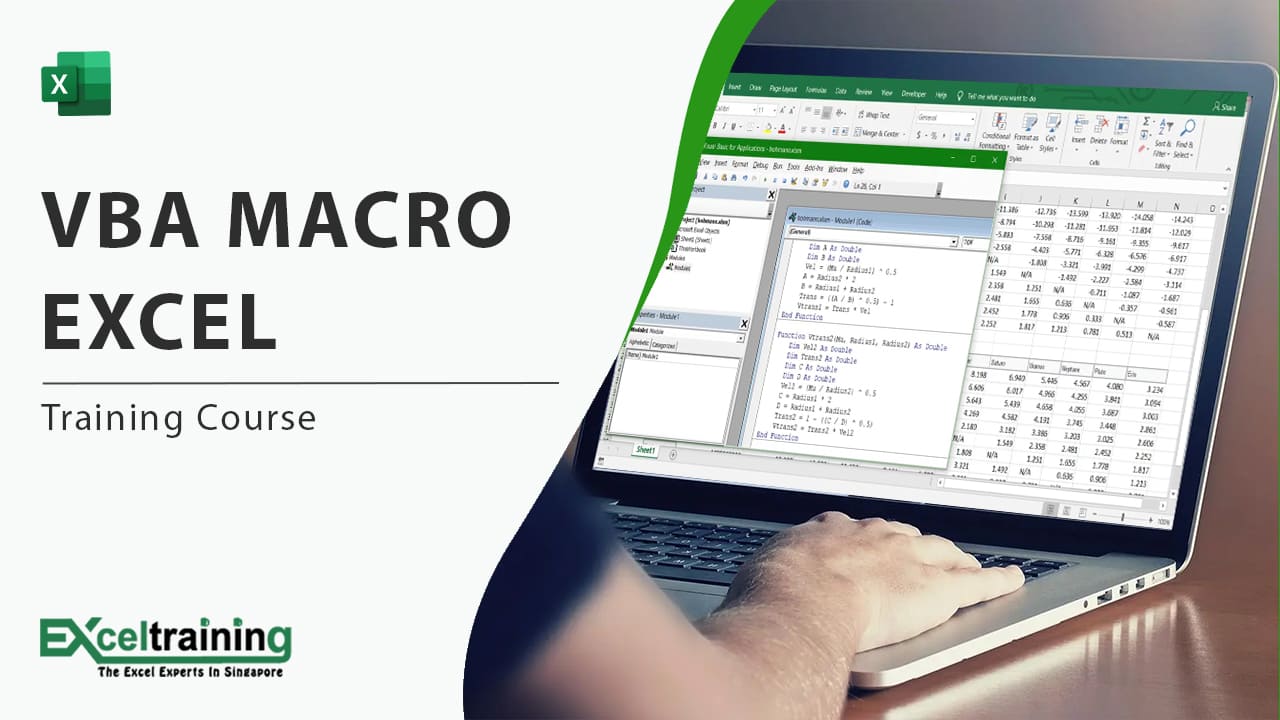
Learn To Develop Powerful Macros That Save Time And Reduce Errors In Your Excel Projects.
Why to Upgrade Microsoft Excel Skills
Strong Microsoft Excel Skills can help you work more efficiently, analyse data accurately, and prepare reports with confidence. Taking an Excel course in Singapore can help you improve your use of formulas, keyboard shortcuts, conditional formatting, and data analysis tools. These skills are useful for professionals working in marketing, accounting, administration, finance, and management, where Excel is often used for everyday tasks and reporting.
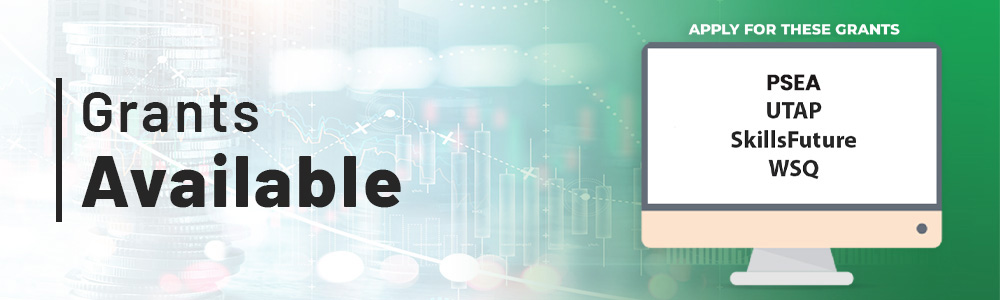
PSEA
Post Secondary Education Account
SkillsFuture Eligible
Singaporeans can use $500 SkillsFuture Credits for this training to offset the course fees.
UTAP
Union Training Assistance Programme
NTUC members enjoy 50% *unfunded course fee support for up to $250 each year.
WSQ
Singapore Workforce Skills Qualifications
Can claim Up to 70% claimable for WSQ courses.
Are there course subsidies/funding/grants available?
| Funding Scheme | Eligibility | What It Covers | How to claim |
|---|---|---|---|
| SSG Course Fee Subsidy (WSQ Deduction) | SG Citizens / PRs/LTVP+ | From 50% to 70% of course fees depending on eligibility (auto-applied, deduction in invoice) Trainees must pass the end of the course assessement with minimum 75% attendance |
Auto deduction in invoice |
| SkillsFuture Credit (SFC) | SG Citizens aged 25+ | Can be used to pay remaining balance after subsidy | https://www.myskillsfuture.gov.sg/content/portal/en/index.html# Claim to be submitted before course start using the invoice provided upon registration |
| PSEA (Post-Secondary Education Account) | SG Citizens aged <31 (with funds) | Can use PSEA to pay remaining fees | https://www.moe.gov.sg/financial-matters/psea/funds-balance-and-usage Claim to be submitted 30 days before course start |
| UTAP (NTUC Members) | NTUC Union Members | Up to $250/year (or $500/year if age 40+) Covers 50% of remaining fee after subsidy |
https://www.ntuc.org.sg/uportal/how-we-help/find-a-course Claim to be submitted within 60 days after course end |
| Funding Scheme | Eligibility | What It Covers | How to claim |
|---|---|---|---|
| SSG Course Fee Subsidy (WSQ Deduction) | SG/PR employees | From 50% to 70% of course fees depending on eligibility (auto-applied, deduction in invoice) Trainees must pass the end of the course assessement with minimum 75% attendance |
Auto deduction in invoice |
| Absentee Payroll (AP) | Eligible employers with SG/PR/LTVP+ employees |
Up to $4.50/hour You must meet all of the following criteria: Your organisation must be registered or incorporated in Singapore |
HR to login and submit: https://cp.ssg-wsg.gov.sg/login?partnerID=https://cp.ssg-wsg.gov.sg&eserviceID=SFTS&type=CPOIDC https://skillsfuture.gobusiness.gov.sg/support-and-programmes/funding/absentee-payroll-funding |
| SFEC (SkillsFuture Enterprise Credit) | Eligible employers |
Covers up to 90% of remaining course fee + AP, after other subsidies All employers who are eligible have been notified. No application is necessary. Claims can only be submitted for training courses which has been completed. In most cases, SFEC is automatically reimbursed to your corporate PayNow account after completion of the course. |
Auto for S/PRs staffs, or HR to Apply via Business Grants Portal https://skillsfuture.gobusiness.gov.sg/ https://skillsfuture.gobusiness.gov.sg/support-and-programmes/funding/skillsfuture-enterprise-credit-sfec |
About the Excel Training Course: Frequently Asked Questions
What is Microsoft Excel, and what is it used for?
Microsoft Excel is a spreadsheet application used to organise data, perform calculations with formulas and prepare charts and reports. Professionals in accounting, marketing, administration and finance use Excel for budgets, data analysis and routine reporting. Learners in Singapore can build these skills through a structured Microsoft Excel course at beginner, intermediate or advanced level.
Which Microsoft Excel courses are available in Singapore?
Excel Training Singapore offers WSQ and non-WSQ programmes. WSQ options include Basic Excel, Intermediate & Advanced Excel, Excel Dashboard, Power BI, Excel VBA and Power Query & Power Pivot. Non-WSQ options include Basic, Intermediate, Advanced and Master Excel Training. Learners can compare all Excel training courses before choosing a level.
Is there a beginner Excel course in Singapore for first-time users?
Yes. The WSQ Basic Excel course is a beginner-friendly Excel course in Singapore that covers essential spreadsheet skills for work, and a non-WSQ Basic Excel Training programme is also available. Learners new to Excel can start at the basic Excel level and move on to intermediate and advanced Excel training later.
Why should I learn Microsoft Excel for work?
Excel is used across many departments for formulas, data analysis and reporting, so the skills apply to a wide range of office roles. Learning Microsoft Excel can improve accuracy, save time on repeated tasks and make report preparation easier. Features such as conditional formatting, keyboard shortcuts and data analysis tools support everyday work in marketing, accounting, administration and finance.
Who benefits most from an Excel training course?
Working professionals in accounting, finance, marketing, administration and management benefit most, as they use Excel for budgets, reports and data analysis. Fresh graduates and career switchers can also use an Excel training course to build spreadsheet skills for work. Beginners suit the basic level, while experienced users can choose an advanced Excel course, Power BI or VBA.
Are there subsidies or funding for Excel courses in Singapore?
Yes. Eligible learners can use the WSQ course fee subsidy of 50% to 70%, SkillsFuture Credit, PSEA and UTAP for NTUC members. Employers may claim Absentee Payroll and SkillsFuture Enterprise Credit for eligible staff. Eligibility depends on citizenship status, age, a minimum of 75% attendance and passing the assessment. See grants available for claim steps.
How do I register for an Excel course in Singapore?
Learners can register by calling +65 8421 2824, emailing info@exceltraining.com.sg or contacting the team through WhatsApp, Telegram or the Send Enquiry form on the website. An invoice is provided upon registration, and it is used for any SkillsFuture Credit claim, which must be submitted before the course starts. Funding steps are listed under grants available.
Can I become an Excel expert through a course?
Yes, with structured learning and regular practice, learners can reach advanced Excel proficiency. A typical path moves from basic formulas to intermediate functions, then to advanced tools such as Power Query, Power Pivot, dashboards and VBA. The Master Excel Training course covers basic to advanced skills in one programme.
Is Excel hard to learn for beginners?
Excel is not difficult to start with, because entering data, writing simple formulas and formatting cells are quick to learn. Difficulty increases with advanced functions, Power Query and VBA, which need more practice. Learning in stages, beginning with a basic Excel training programme, helps beginners progress at a steady pace
 +65 8421 2824
 info@exceltraining.com.sg


 Chat With Us
